

How to Participate
-
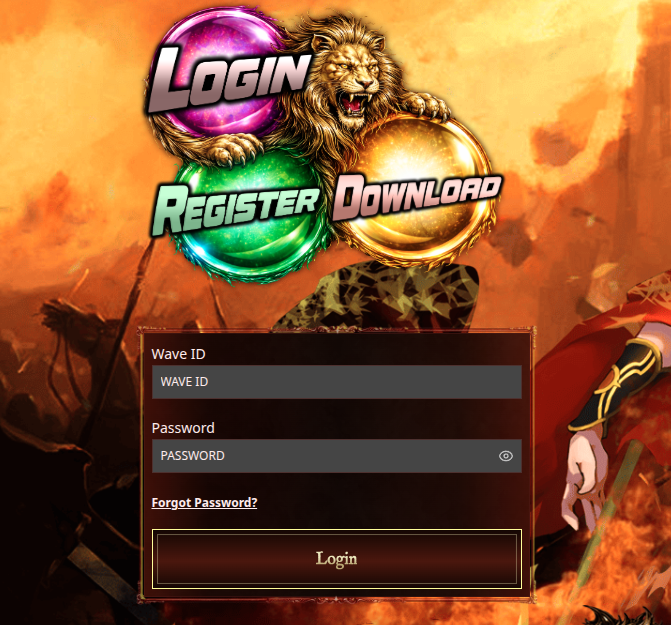
Please log in to your Wavegame account.
-
Go to General Auction through the Bidding menu above, or click here.

-
Please read the General Auction Terms & Conditions under the Rules section in the Bidding menu, or click here.

-
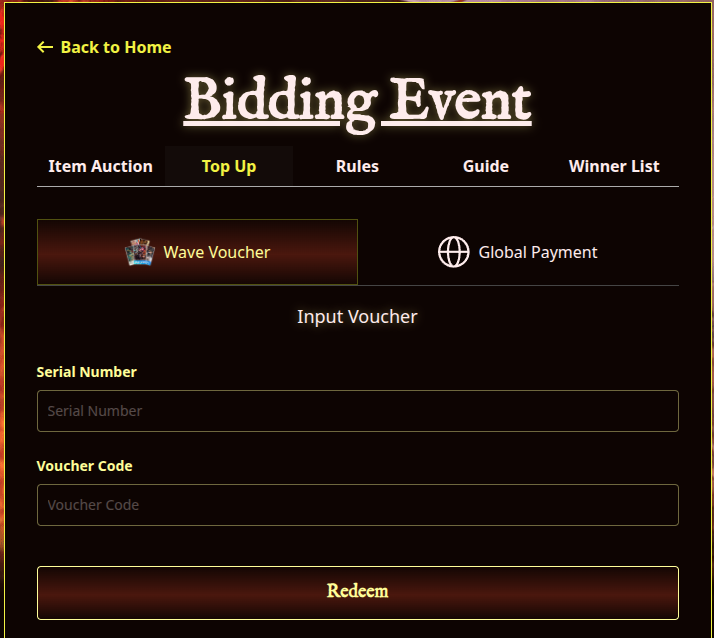
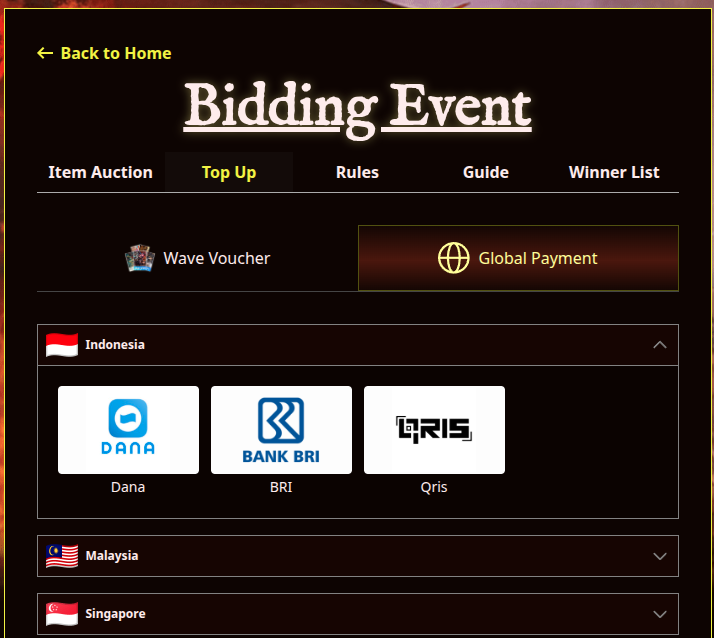
After reading the Terms & Conditions, top up your Bid Points for the General Auction through the Top Up tab in the Bidding menu, or click here.
-
On the Top Up Bidding page, you can top up directly using your preferred payment method. Alternatively, you can use a Wavegame voucher, which is available on Wavepoint or here.
-
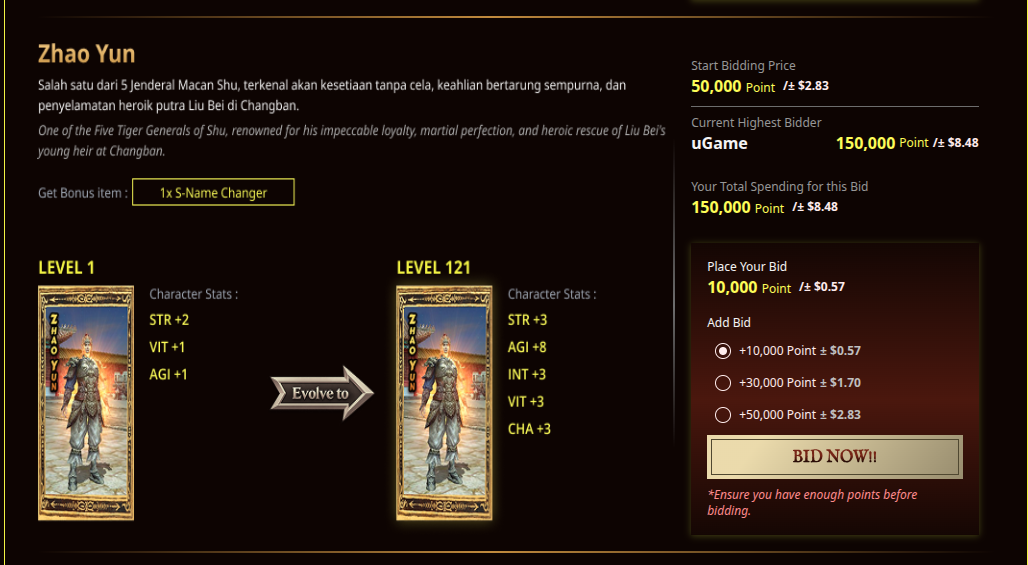
Go to the General Auction section on the Bidding page, select the General you want, enter your bid amount, and click "Bid Now."
-
Make sure you have sufficient Bid Points to place your bid. Additional Bid Points required are calculated based on the difference between the current highest bid and your bid.
Bidding is available until the General Auction ends.